
I spent three hours last Tuesday staring at my laptop camera, slowly losing my mind.
Every time I tried to check my refund status on the IRS website, I hit the ID.me wall. I’d upload my driver’s license, scan my face, and watch the spinning wheel. Then, the error message: “We couldn’t verify your identity.”
If you are trapped in this loop right now, you aren’t alone. Millions of taxpayers face this hurdle every February. The Bottom Line: The automated system is incredibly sensitive to glare and shadows. If the “Self-Service” option fails twice, stop trying. You need to switch tactics immediately to avoid getting locked out for 24 hours.
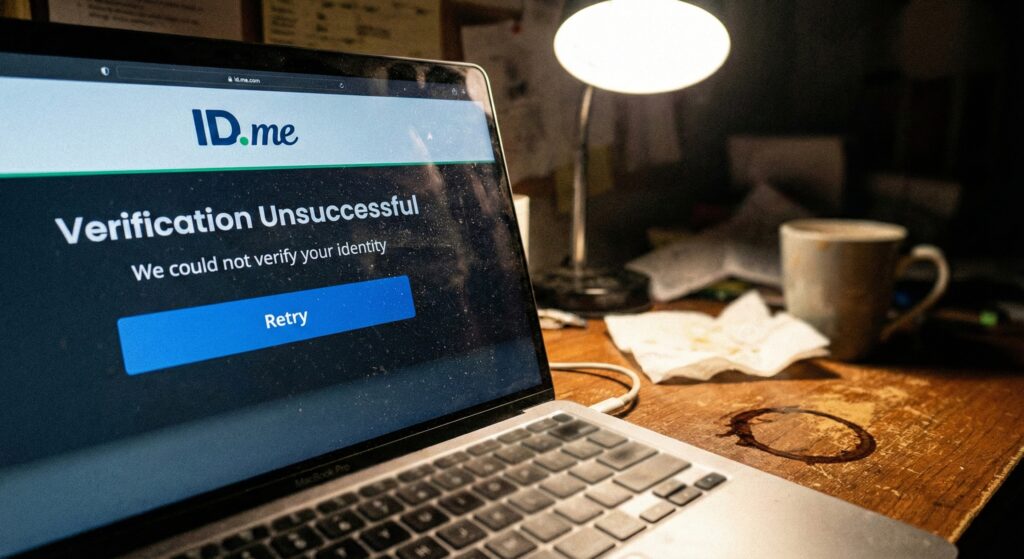
Here is how I escaped the loop and finally got access to my transcripts.
Why The Scan Fails (It’s Not You)
The AI looking at your selfie is looking for “liveness.” It wants to ensure you aren’t a photo of a photo.
- Lighting is King: I was sitting with a window behind me. That backlight created a silhouette, confusing the AI. I had to face the window directly so my face was evenly lit.
- The “Blurry” License: I was holding my phone too close. The camera couldn’t focus on the small text of my ID.
- Name Mismatch: My license says “Benjamin,” but my IRS account says “Ben.” This tiny difference triggered a manual review.
The Secret Weapon: “Trusted Referee”
After my third failed attempt, I saw a small link: “Verify with a Trusted Referee.”
Click this link. Do not be afraid of it.
Instead of fighting a robot, this puts you in a queue to video chat with a real human being. Yes, the wait times in February 2026 are long (mine was 45 minutes), but it is the only way to fix a name mismatch or a worn-out ID card.
What You Need for the Video Call:
- Two Forms of ID: Your license (primary) and a Social Security card or Passport (secondary).
- A Smartphone: The referee will ask you to show them the documents through your back camera.
- Patience: Do not hang up if the screen goes blank for a second.
Comparison: Self-Service vs. Video Chat
Is the wait worth it?
| Feature | Self-Service (AI) | Trusted Referee (Human) |
| Speed | Instant (if it works) | 30 min – 2 hours wait |
| Success Rate | Low (50% fail first try) | High (99% success) |
| Best For | Perfect lighting, new IDs | Old IDs, name changes, tech issues |
Expert Tip:
Once you are verified, enable Multi-Factor Authentication (MFA) using a text message. If you don’t, you might have to scan your face again the next time you log in.
If you are completely stuck, visit the IRS Help Page for ID.me to see alternative login methods.
Disclaimer: This article is for informational purposes only and does not constitute financial or legal advice. Always consult official government resources.

Evan Cole Editor-in-Chief | Breaking News & Public Policy
“From Washington to Wall Street, and Main Street to Hollywood—Evan Cole connects the dots.”
As the Editor-in-Chief at Newskilo, Evan leads a dynamic team of journalists dedicated to uncovering the truth behind the headlines. With over 15 years in digital media, Evan has a reputation for cutting through the noise.
While he is widely recognized for his deep analysis of U.S. fiscal policy (IRS & Stimulus), Evan’s expertise extends to global current events, corporate accountability, and cultural trends. Whether he is breaking down a complex government bill, exposing a tech giant’s failure, or analyzing the societal impact of a viral celebrity moment, Evan’s goal is simple: To tell the stories that shape our world with clarity, accuracy, and integrity.